Today’s five on your home screen.
The widget shows today’s five, and you check them off right there. The rest of the app is one calm scroll. Native like few others!
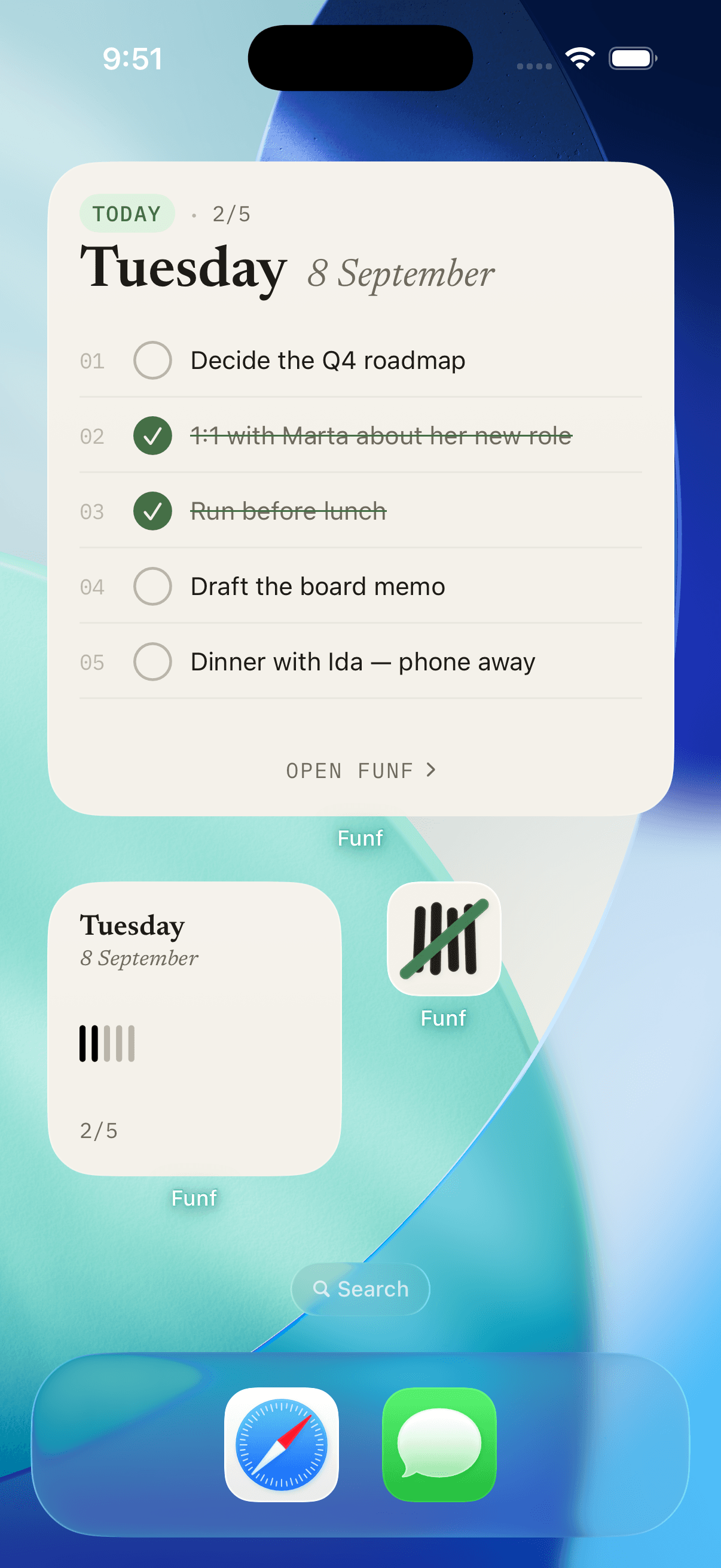
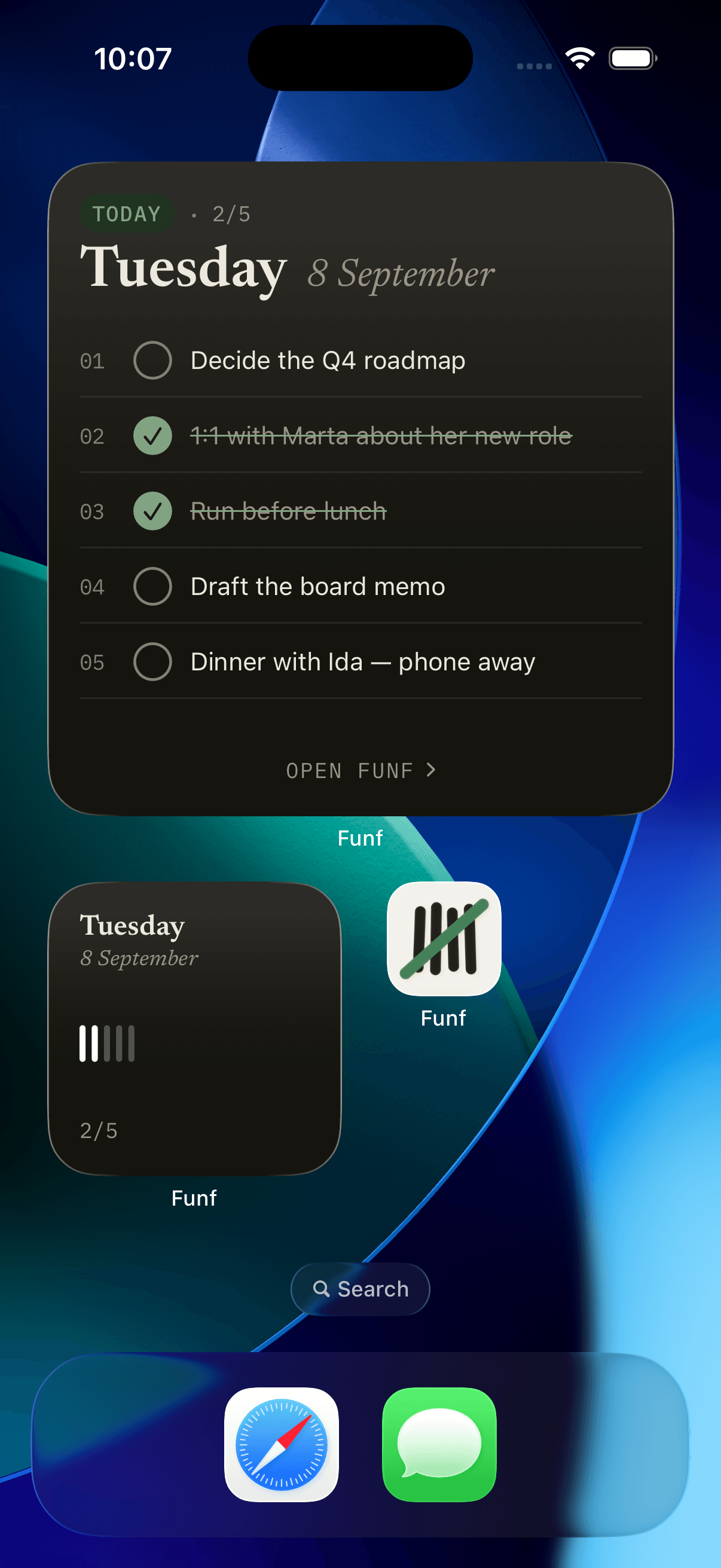
Check off without opening the app.
Comes in small and large. The large one shows all five, the small one shows how far you have come. Check something off in the widget and it is checked in the app, on the Mac and in the calendar.
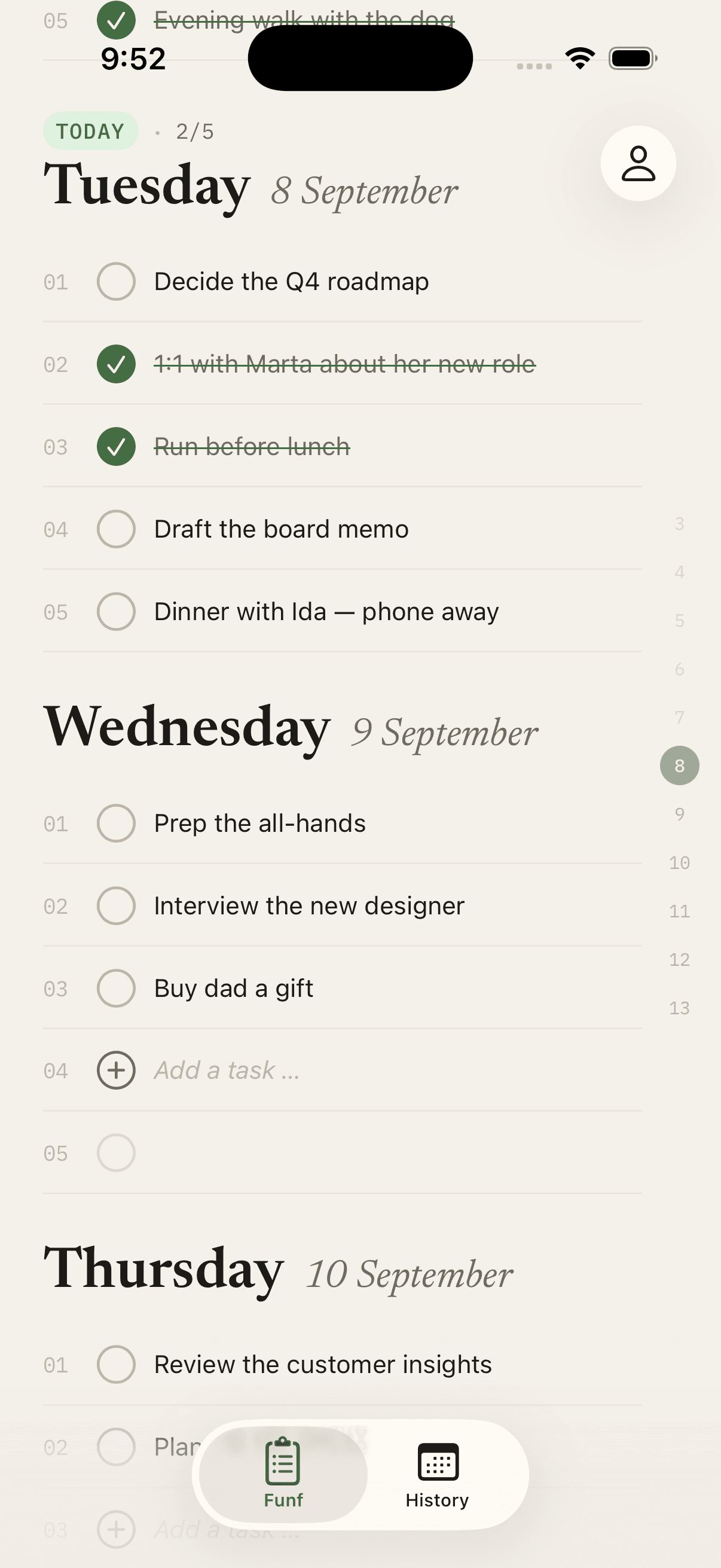
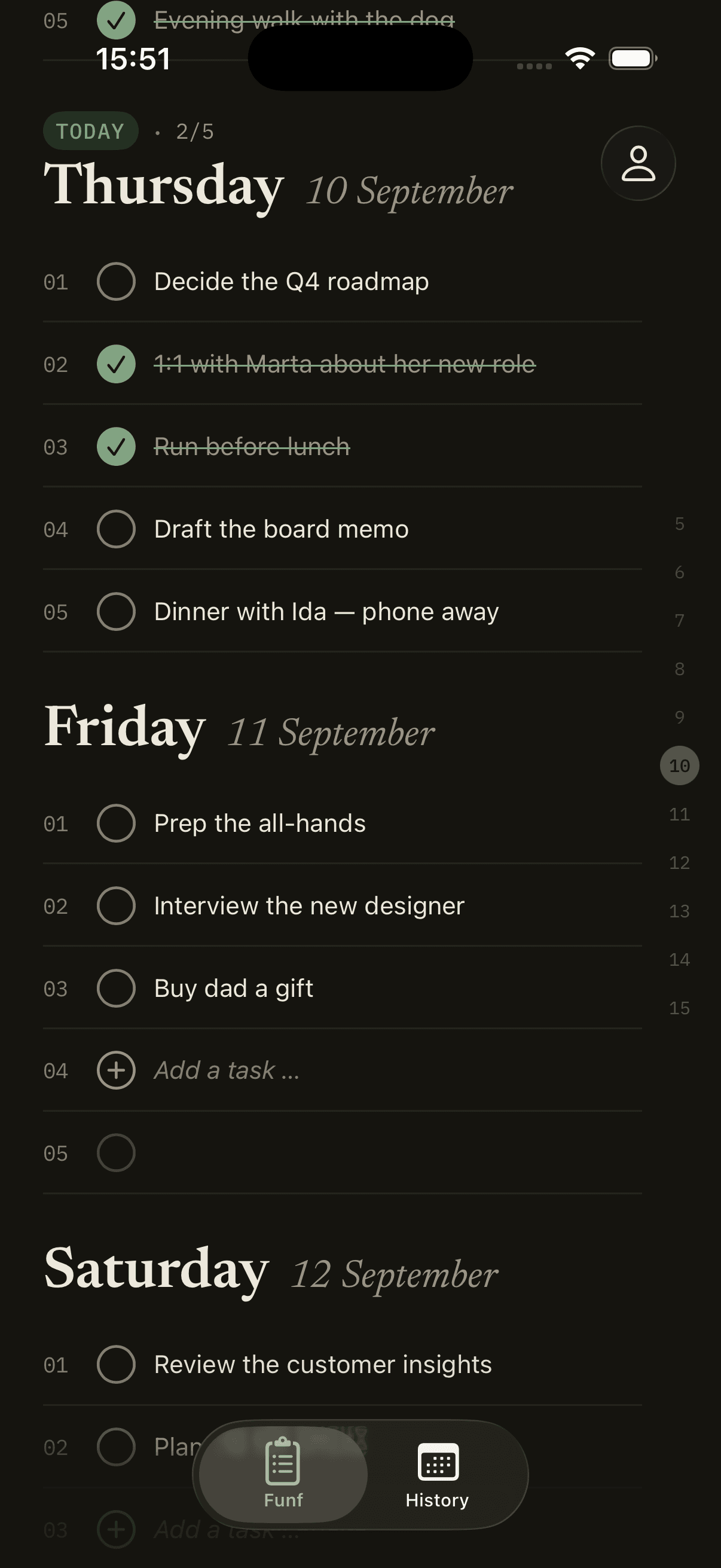
Eleven days in one scroll.
Your day at the top, tomorrow right below. The numbers along the edge are the day index: tap to jump, drag to scrub. Tap the Funf tab and you are back on today.
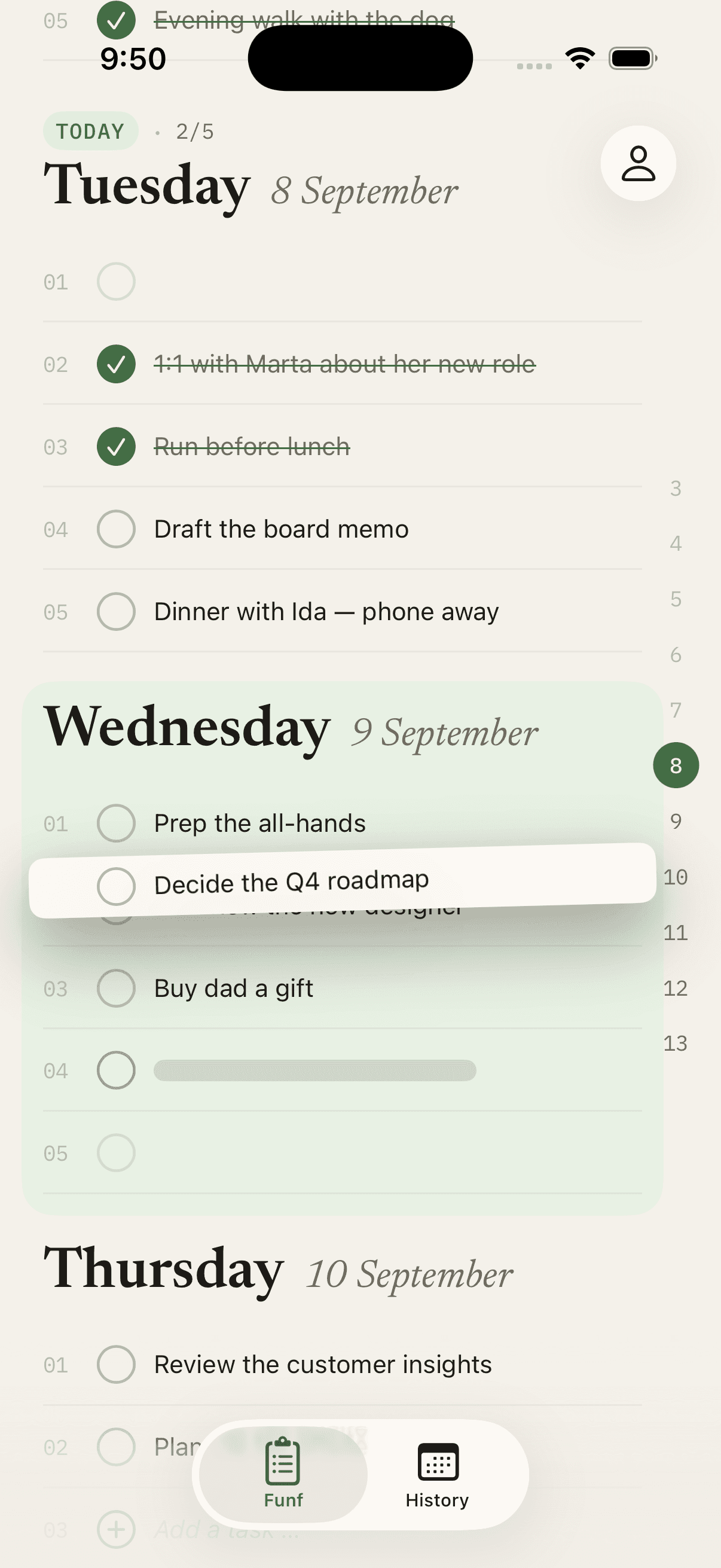
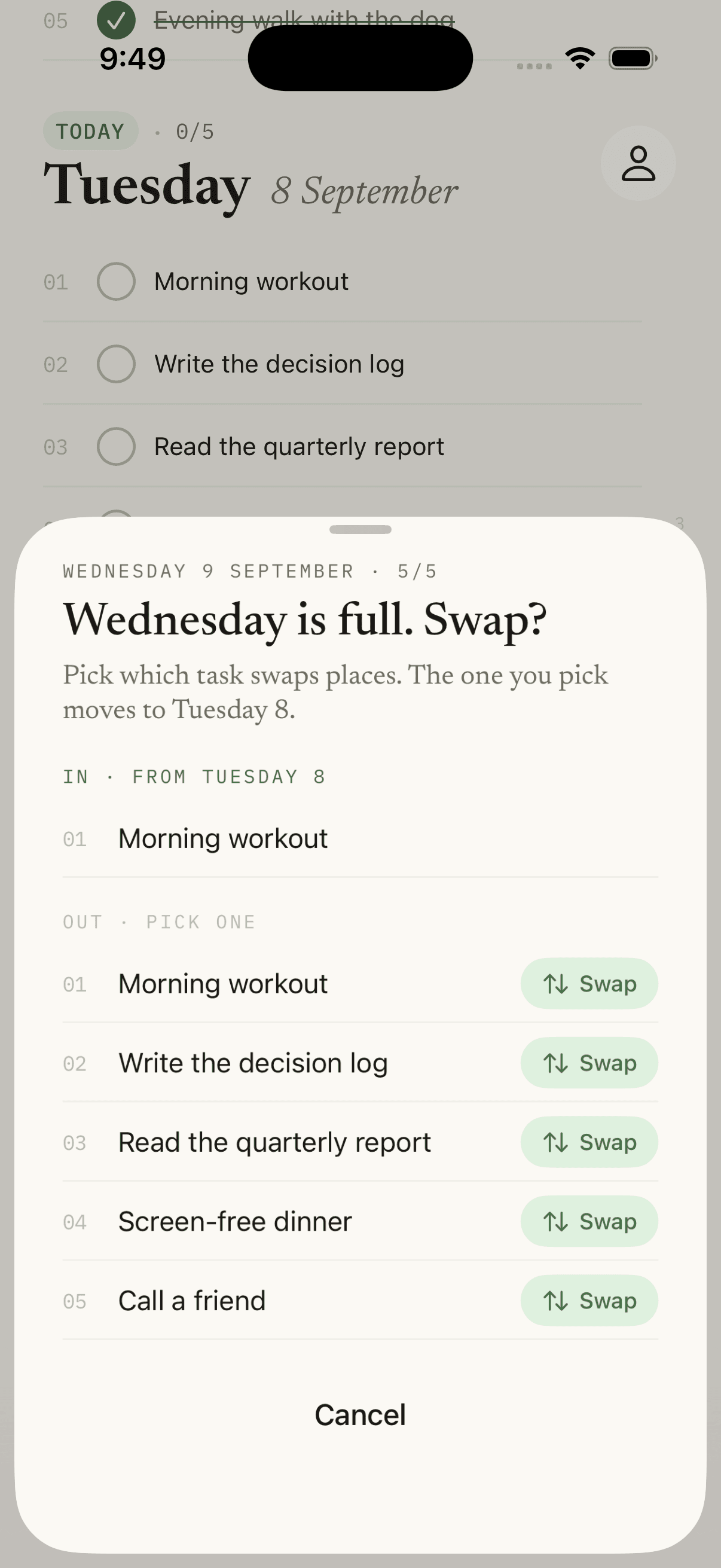
Hold, drag, drop.
Hold a task to lift it, and drop it on another day in the list or on a number in the day index. If the day is full, you choose what swaps out. Tap the text to edit, move or delete.
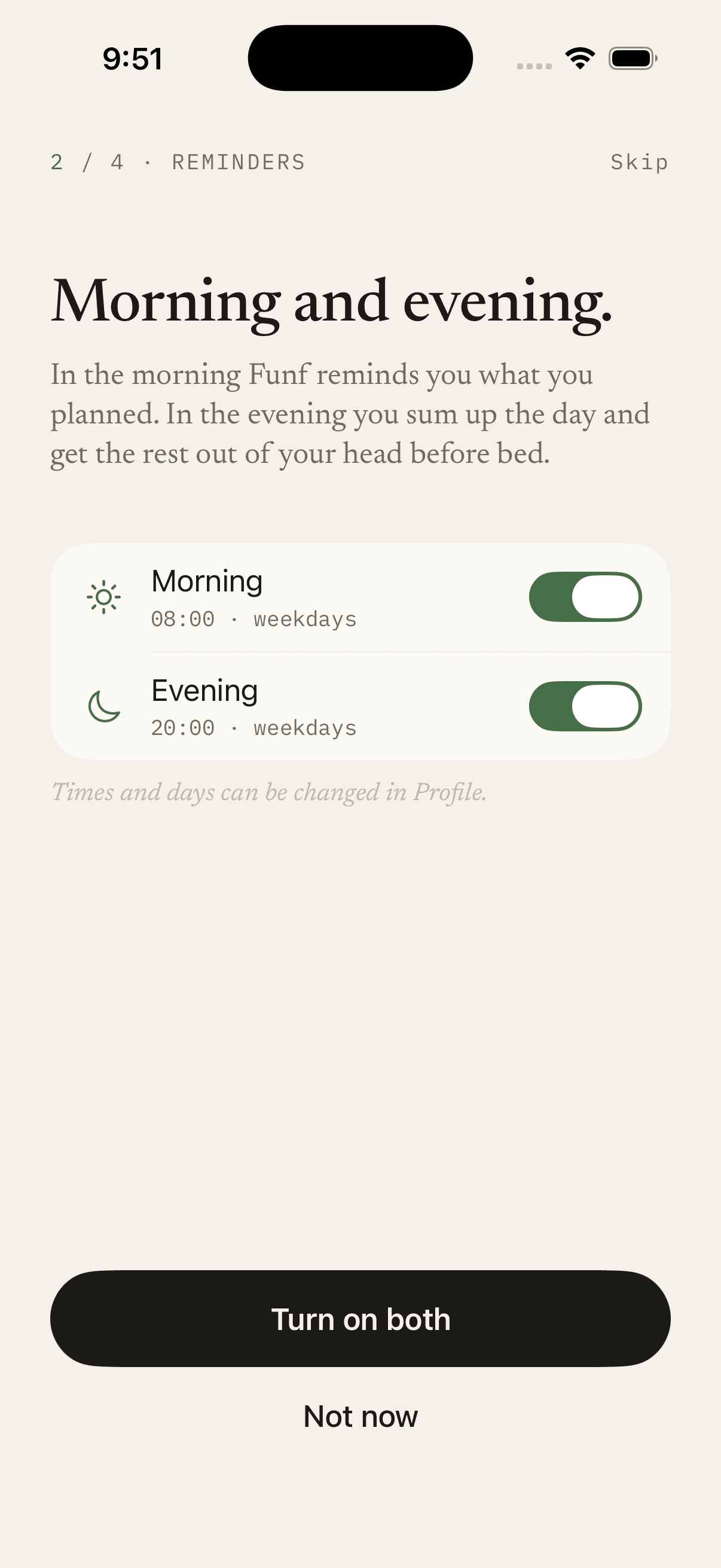
Morning and evening. Never nagging.
In the morning Funf reminds you what you planned. In the evening you sum up the day and get the rest out of your head before bed. Both can be turned off if you would rather remember things yourself.
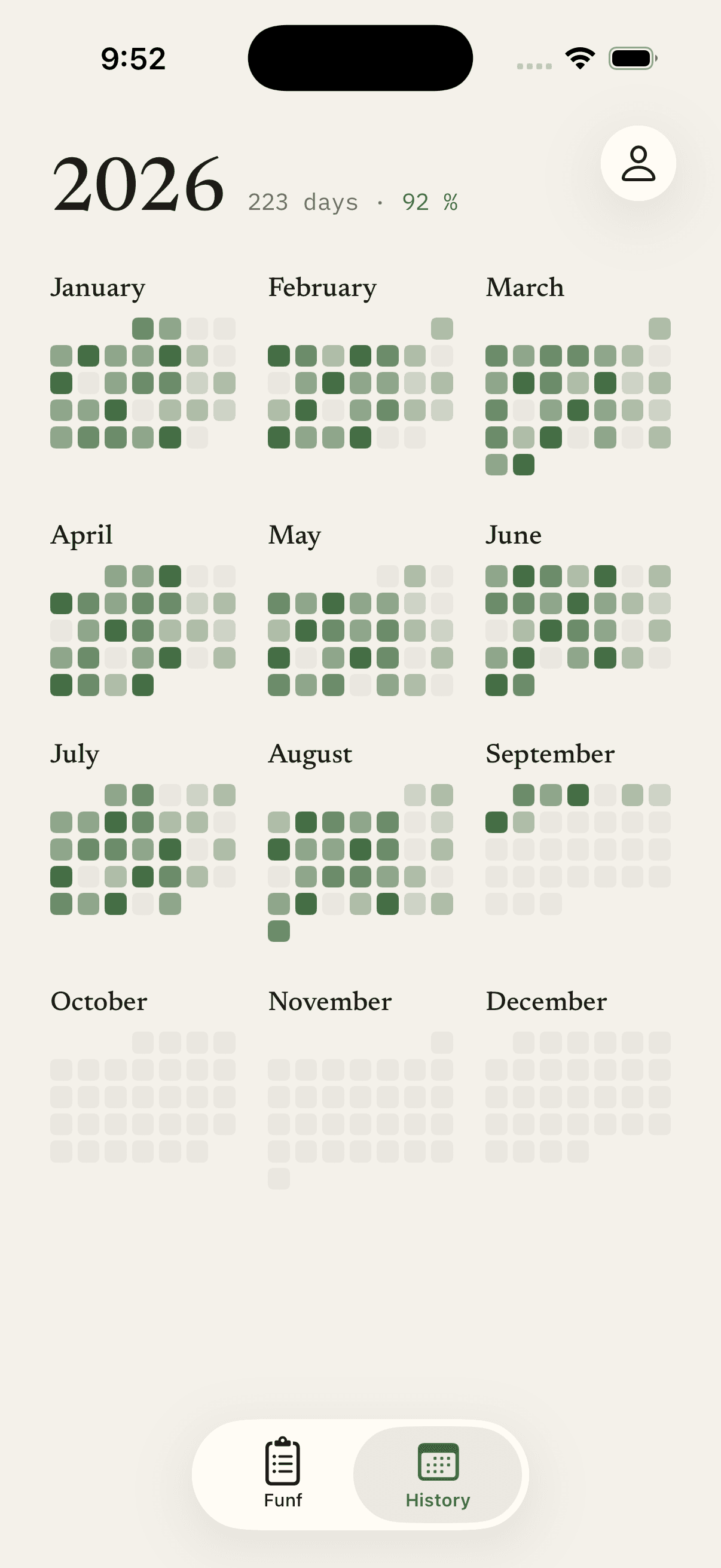
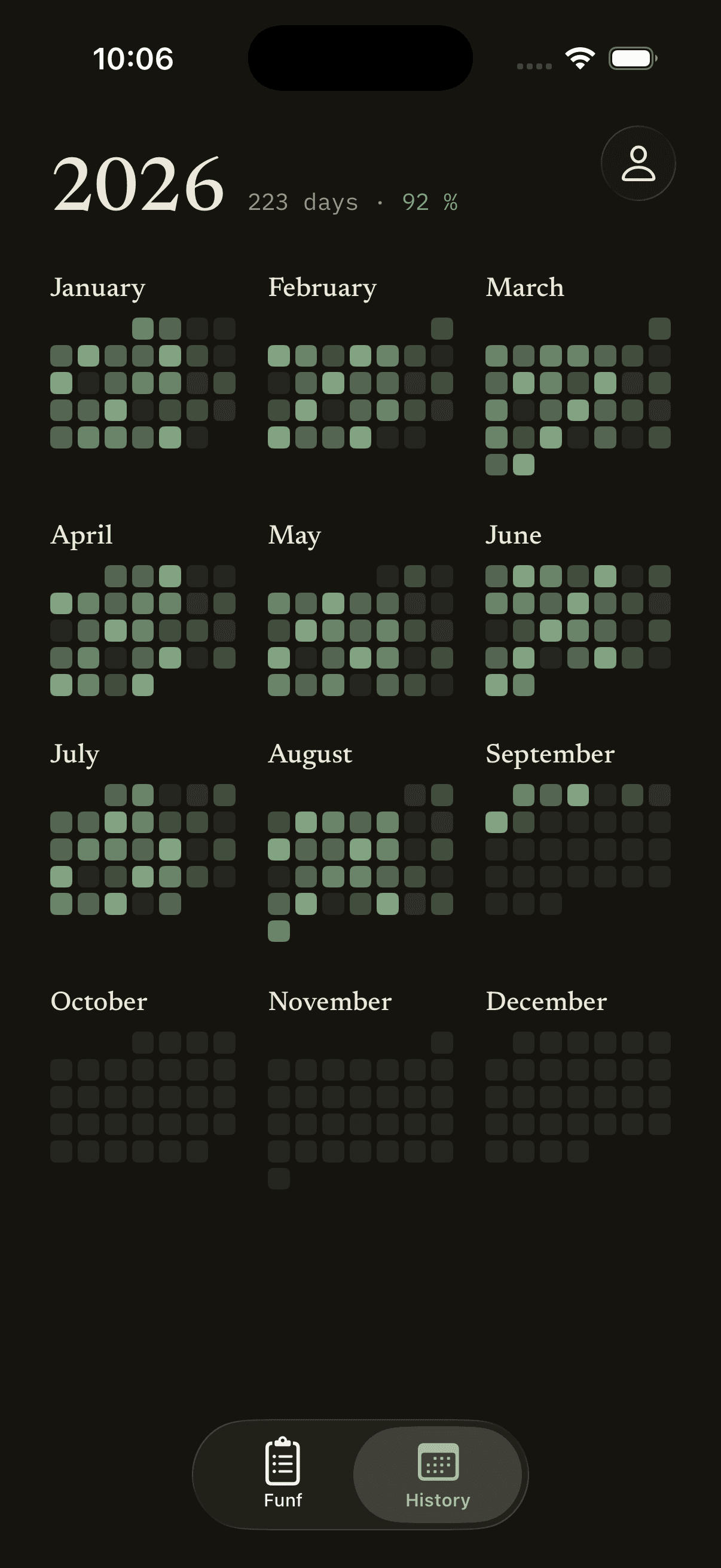
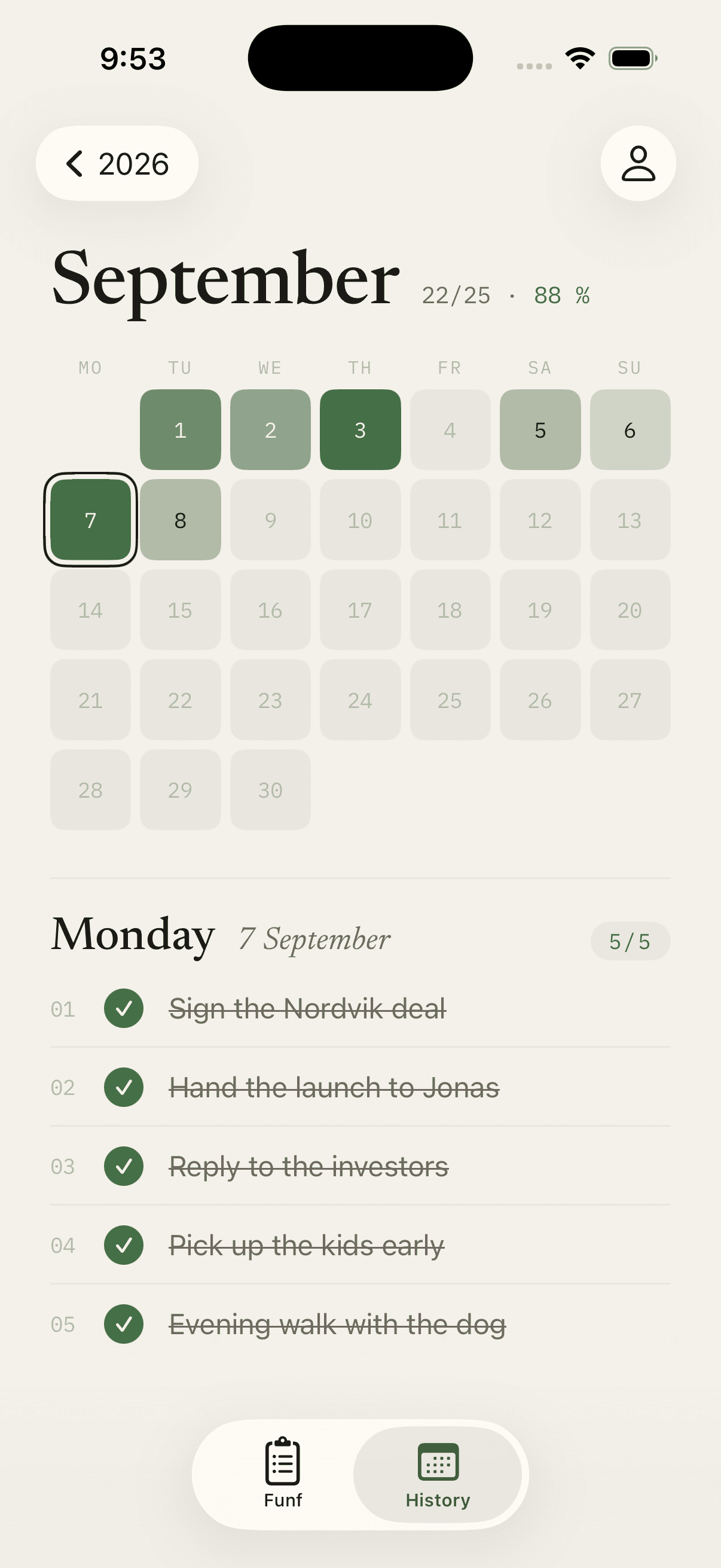
The year in your pocket.
Twelve months in green. Tap a month and it zooms out. Tap a day and you see what you did. No streaks, no points.
The same list on your Mac and on the web.
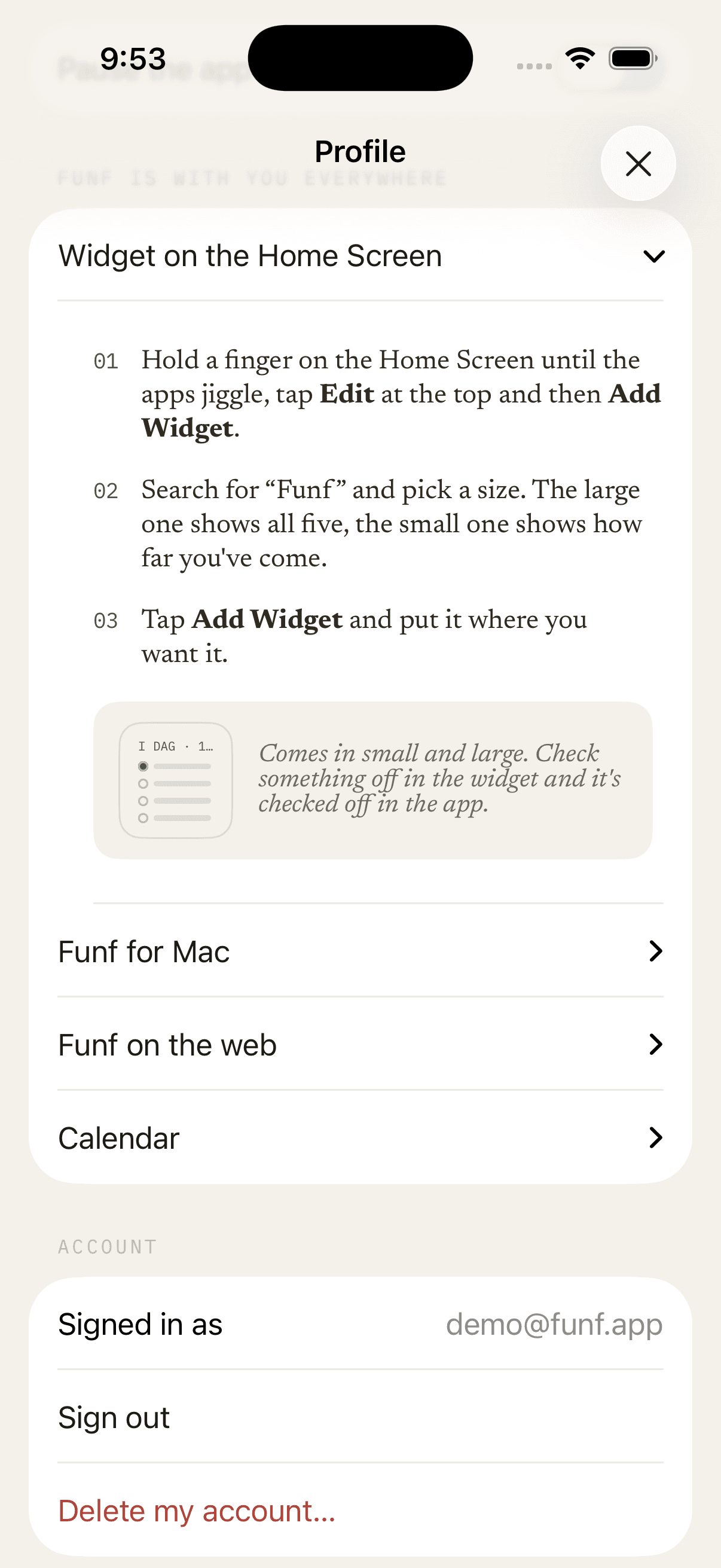
Everything syncs quietly. Profile holds everything you need to set up the widget, the Mac app, the web and the calendar, gathered in one place.