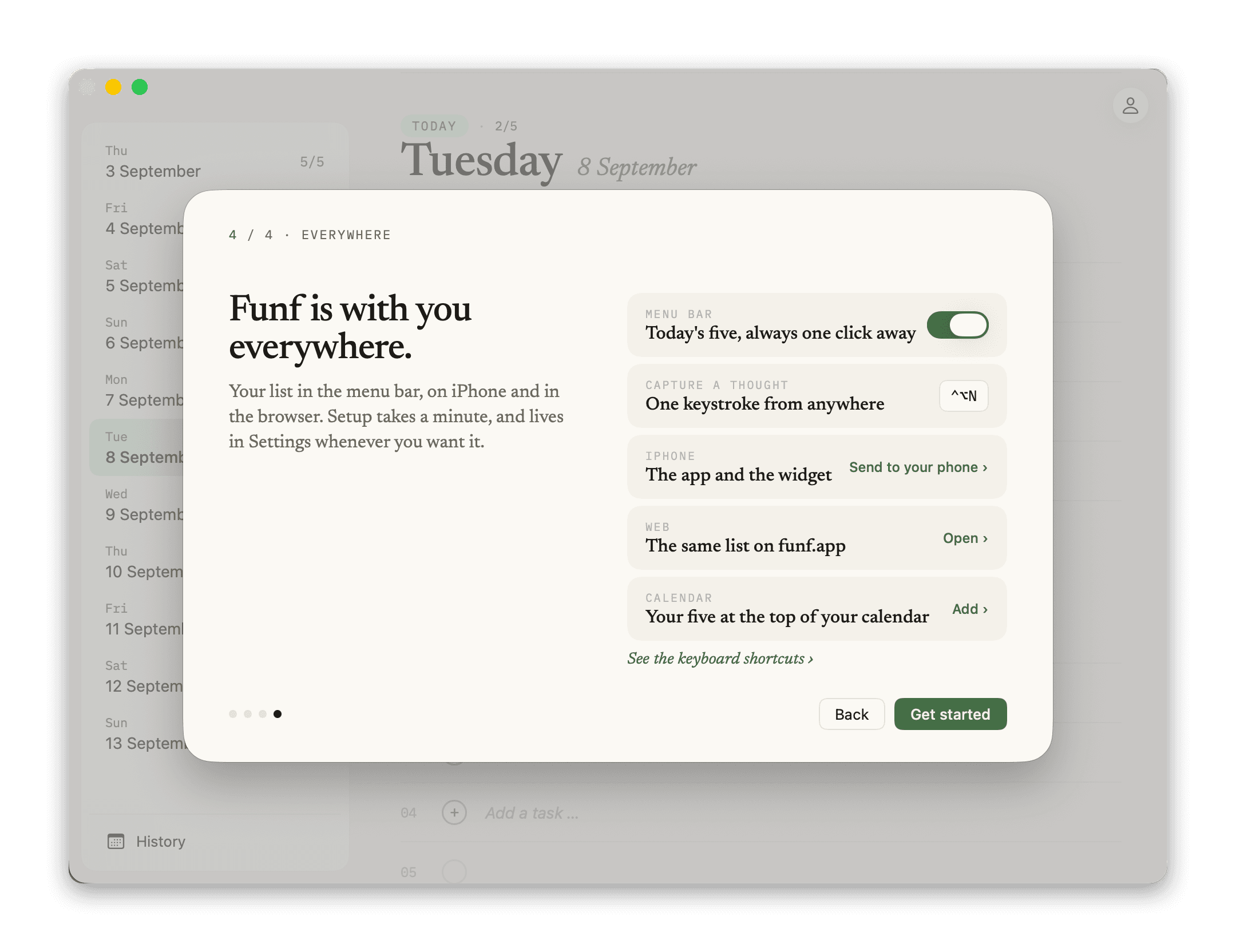
Lives in the menu bar.
Never more than one click away.
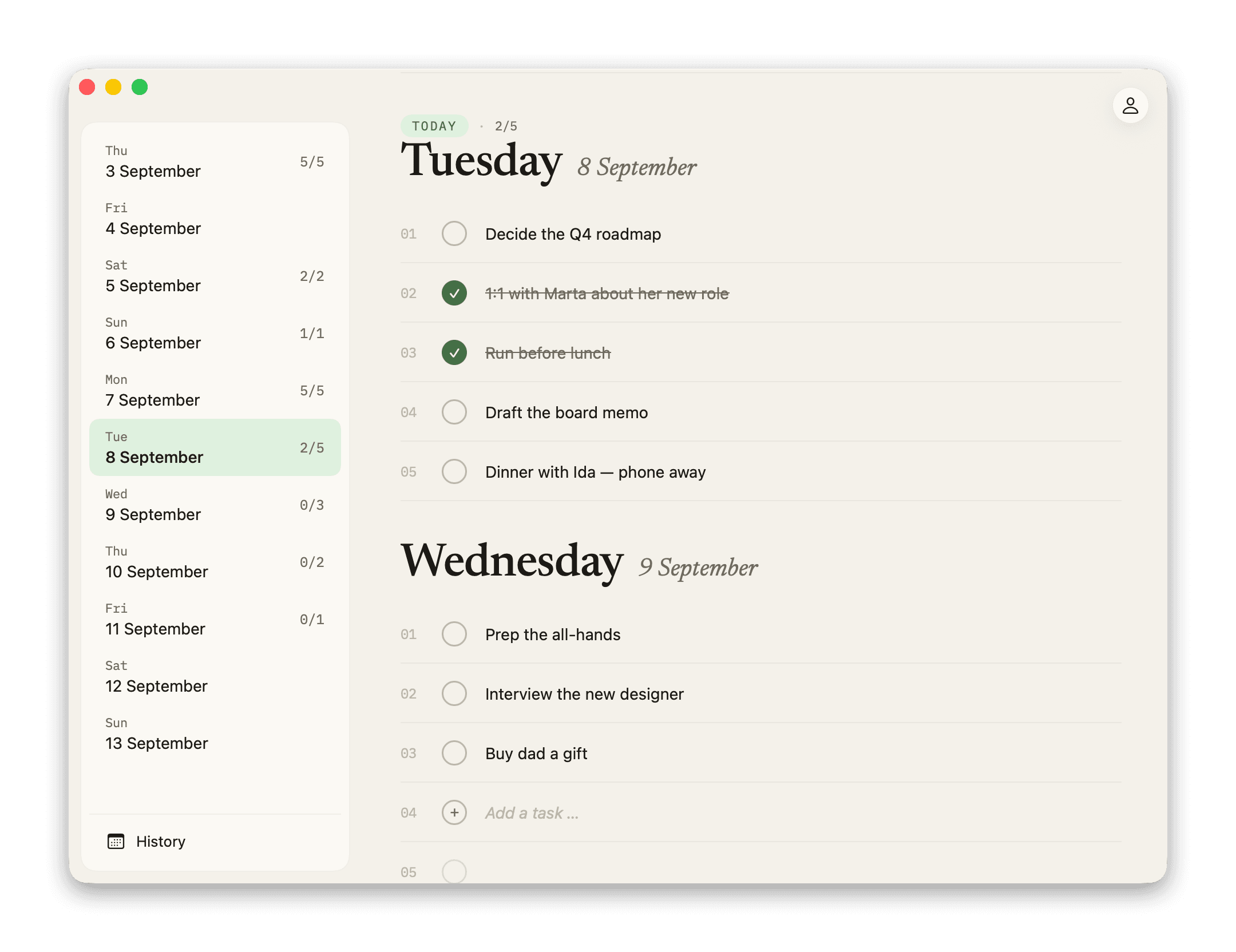
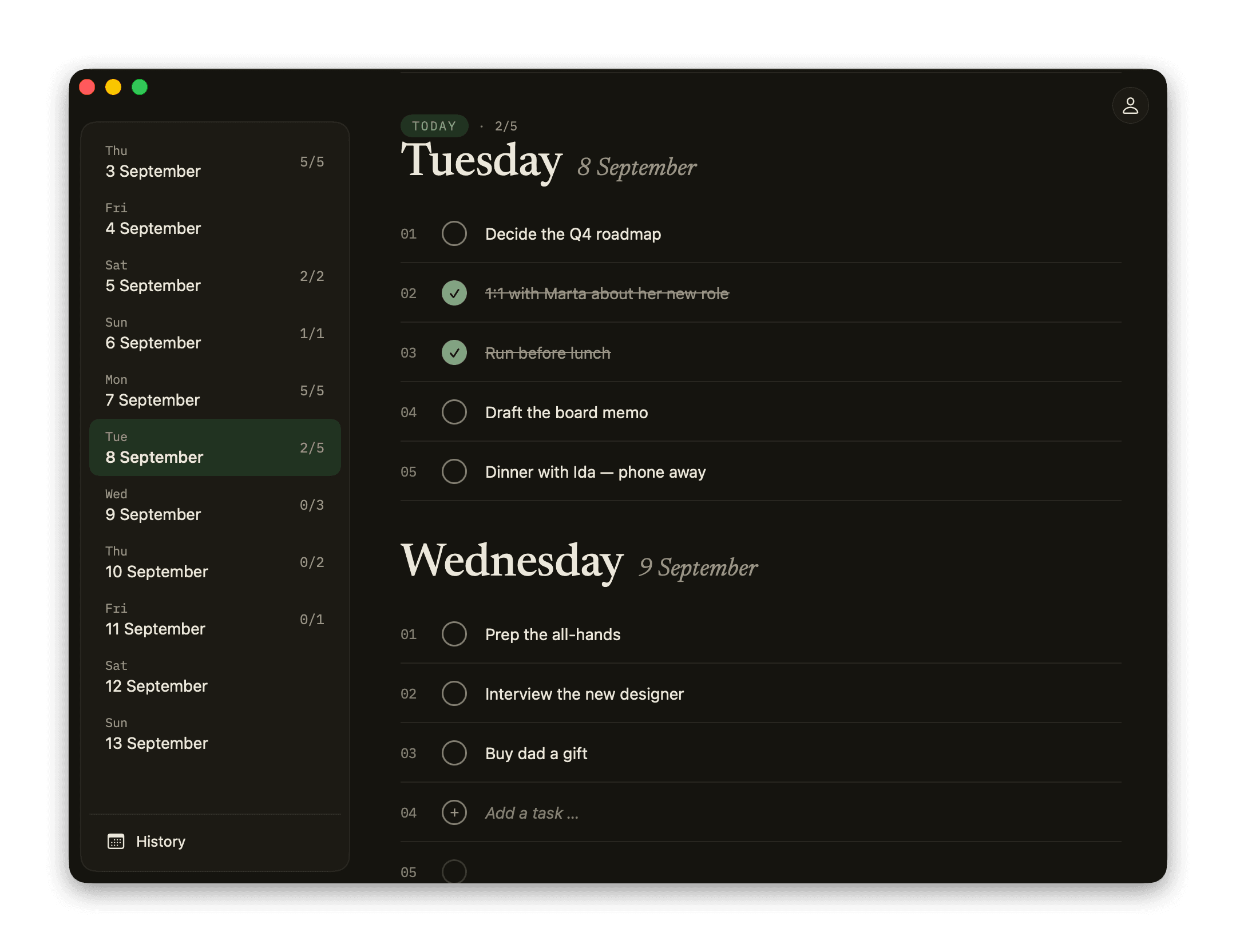
Funf for Mac is a real Mac app: menu bar, keyboard, right-click, drag and drop. Not a web page in a window. Native all the way!
One keystroke from anywhere.
⌃⌥N opens a small panel whatever app you are in. Type, press Enter, and the thought lands on the first day with room. Tab moves it to another day. Esc closes and remembers the draft. Nothing gets between you and the thought.


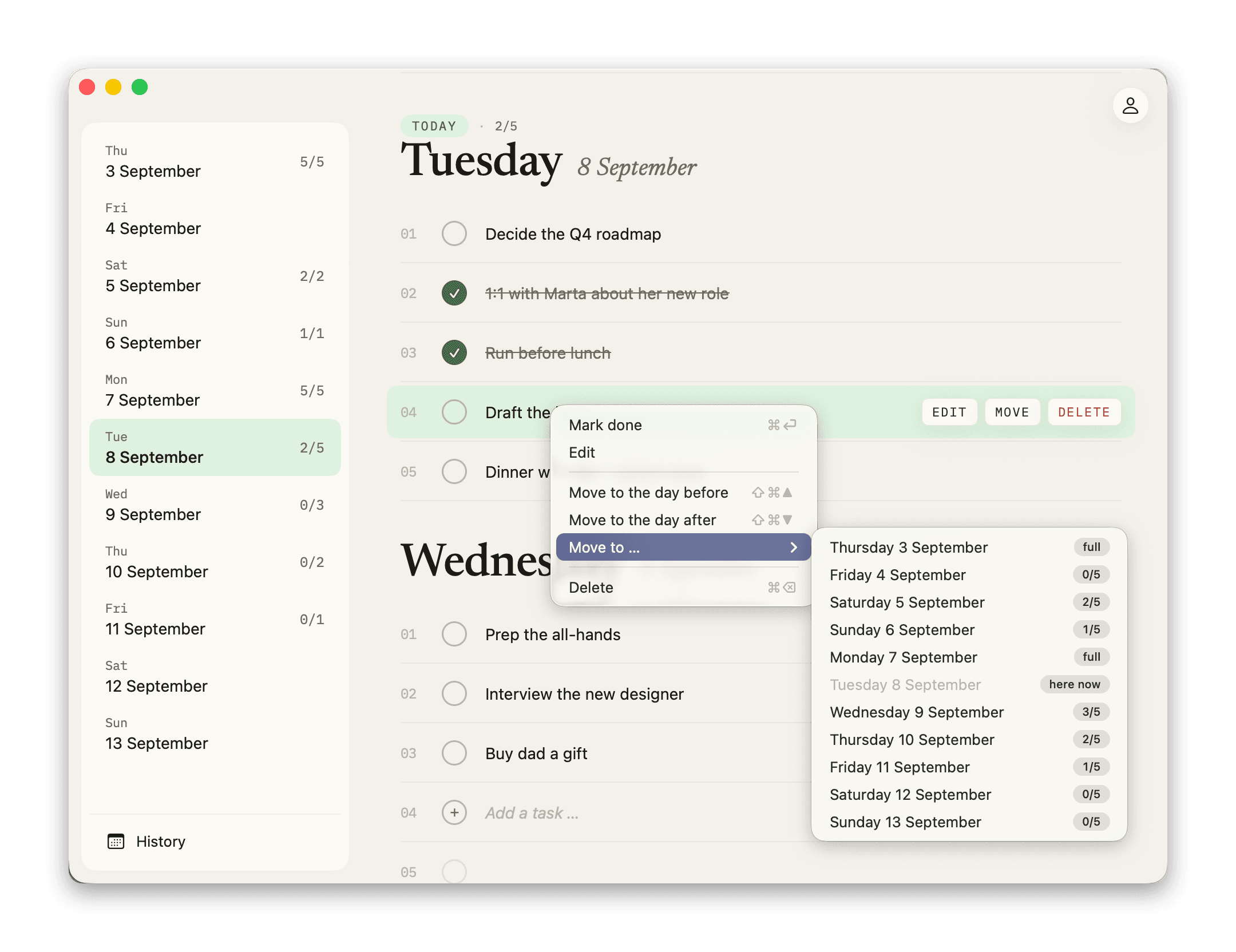
Your hands stay on the keyboard.
Arrow keys select, Enter edits, ⌘Enter completes, ⌘⇧↑↓ moves to the day before or after, ⌘⌫ deletes and ⌘Z undoes. ⌘N adds to today, ⌘T jumps there, ⌘Y opens history. ⌘? shows them all. Right-click does the same with the mouse.
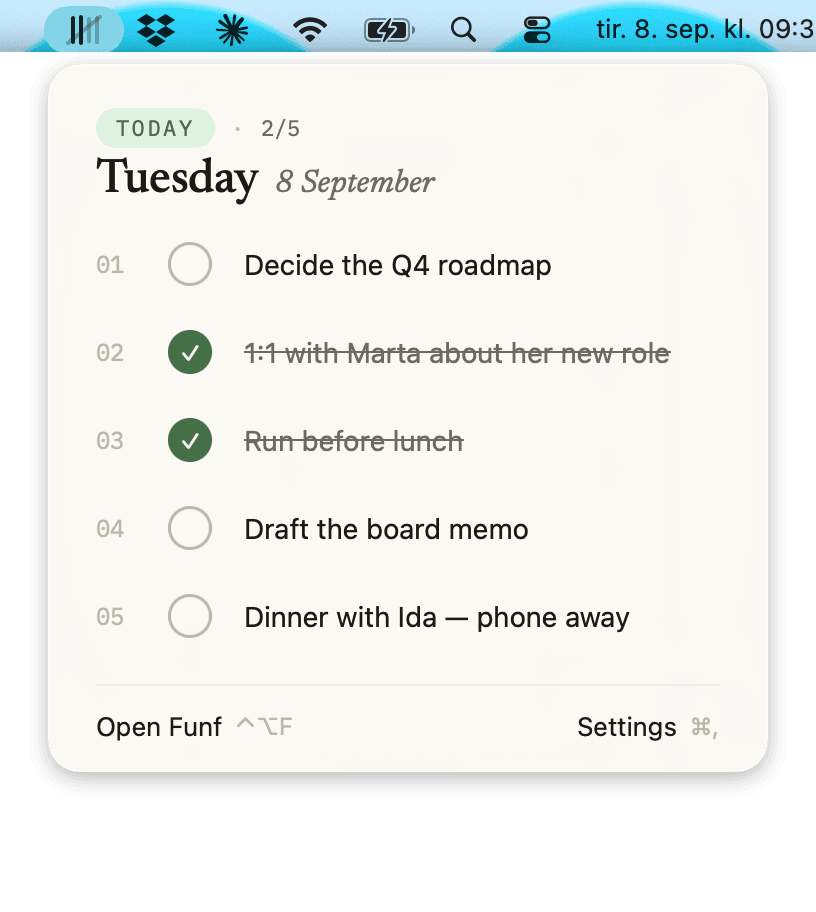
The mark is the tally.
The mark in the top right fills stroke by stroke as you check things off. The slash only arrives at five of five. One click shows today’s five, and you can check off and add without opening a window.
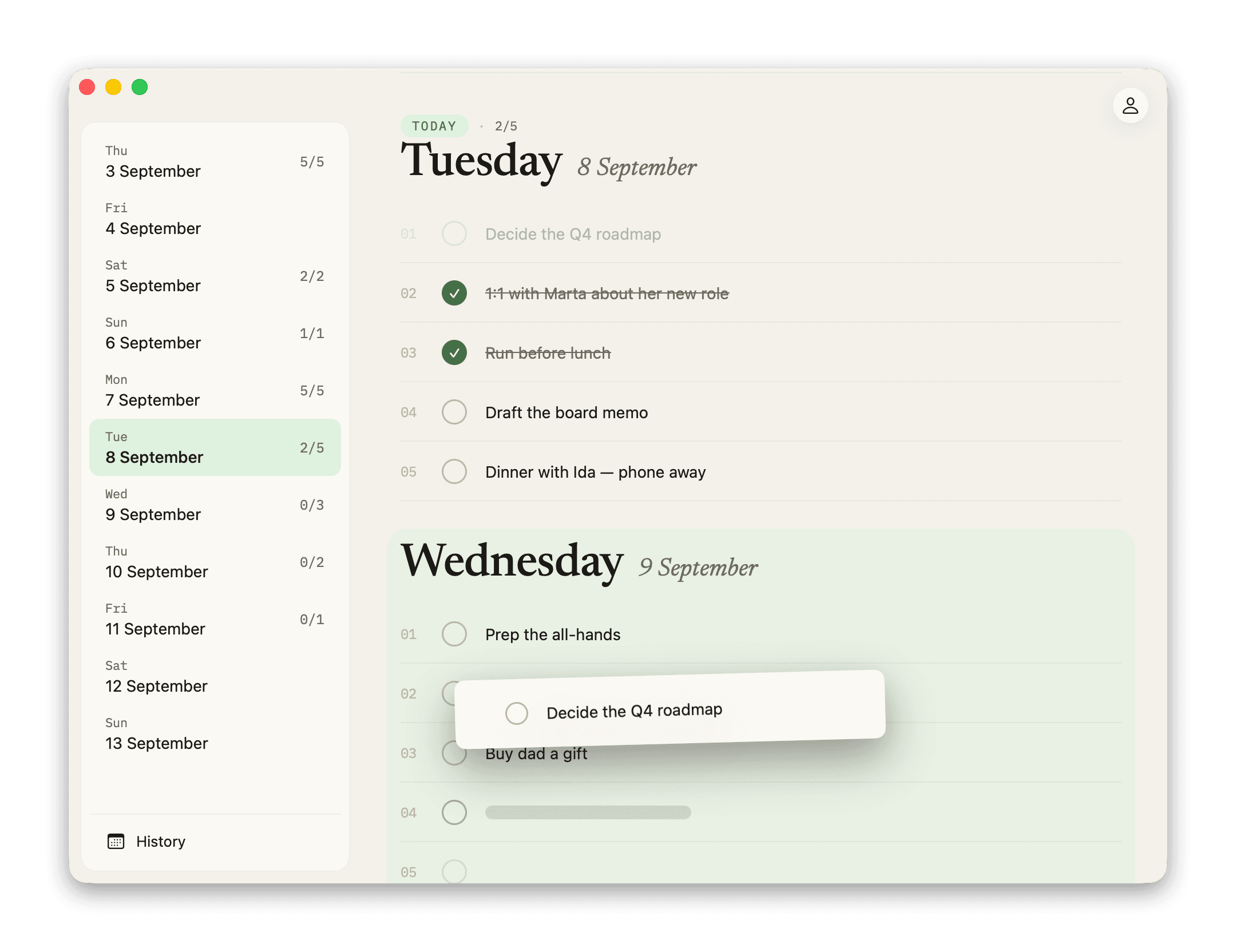
Grab it. Drop it.
Grab a task and drag it to another day, or to a day in the sidebar. The window scrolls itself as you near the edge. Drop it on a full day and you get the swap choice right where you let go.
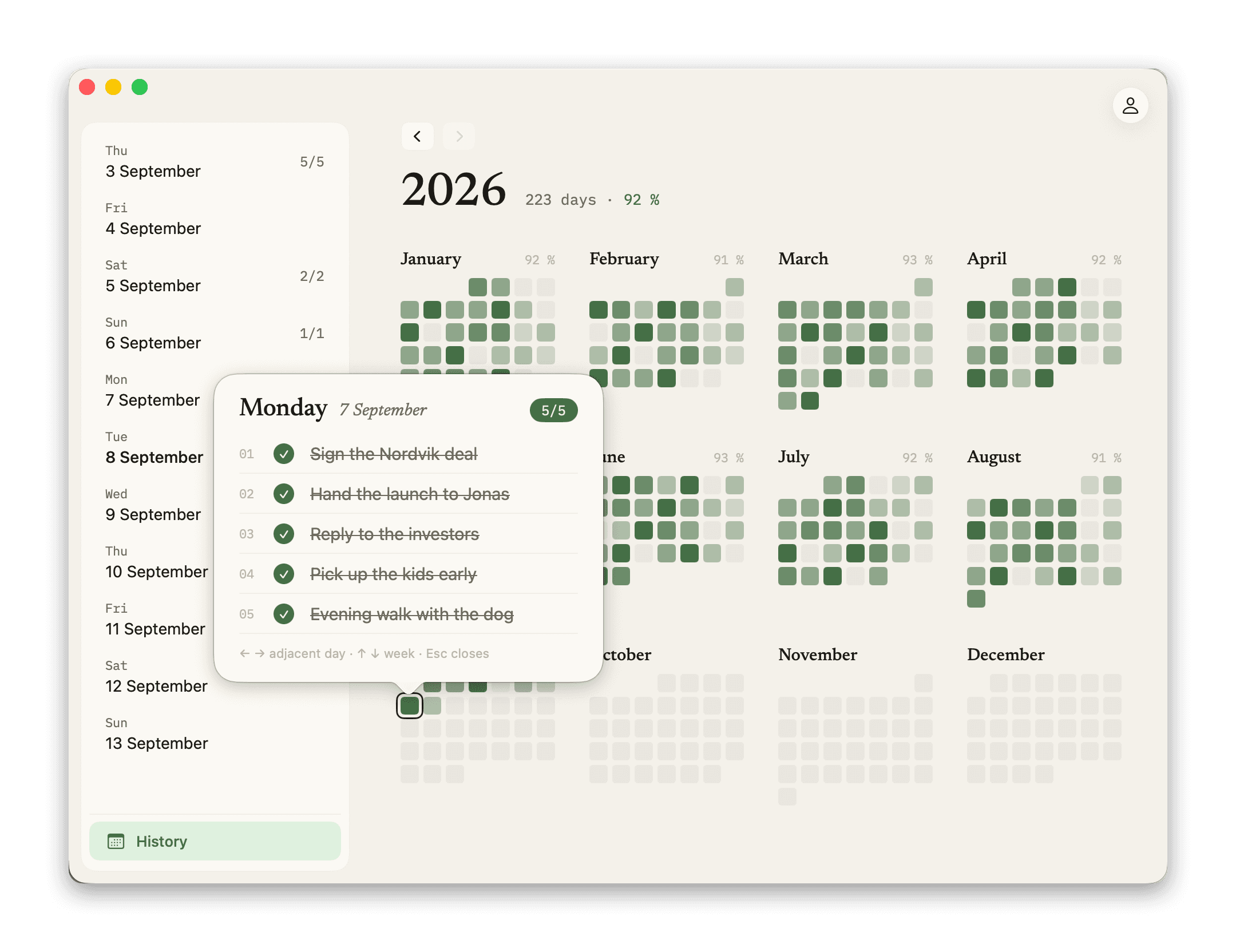
The year on one screen.
Twelve months as a grid, greener the more you did. Click a day and see the tasks in a popover. The arrow keys move you between days and weeks.
Native, sandboxed, quiet.
Built in SwiftUI. Follows the system’s light and dark mode. Launch at login if you like, hide the Dock icon if you like. Two reminders a day, which you can turn off. Pause mode for holidays. No ads, no tracking.