Room for the whole week. Still five a day.
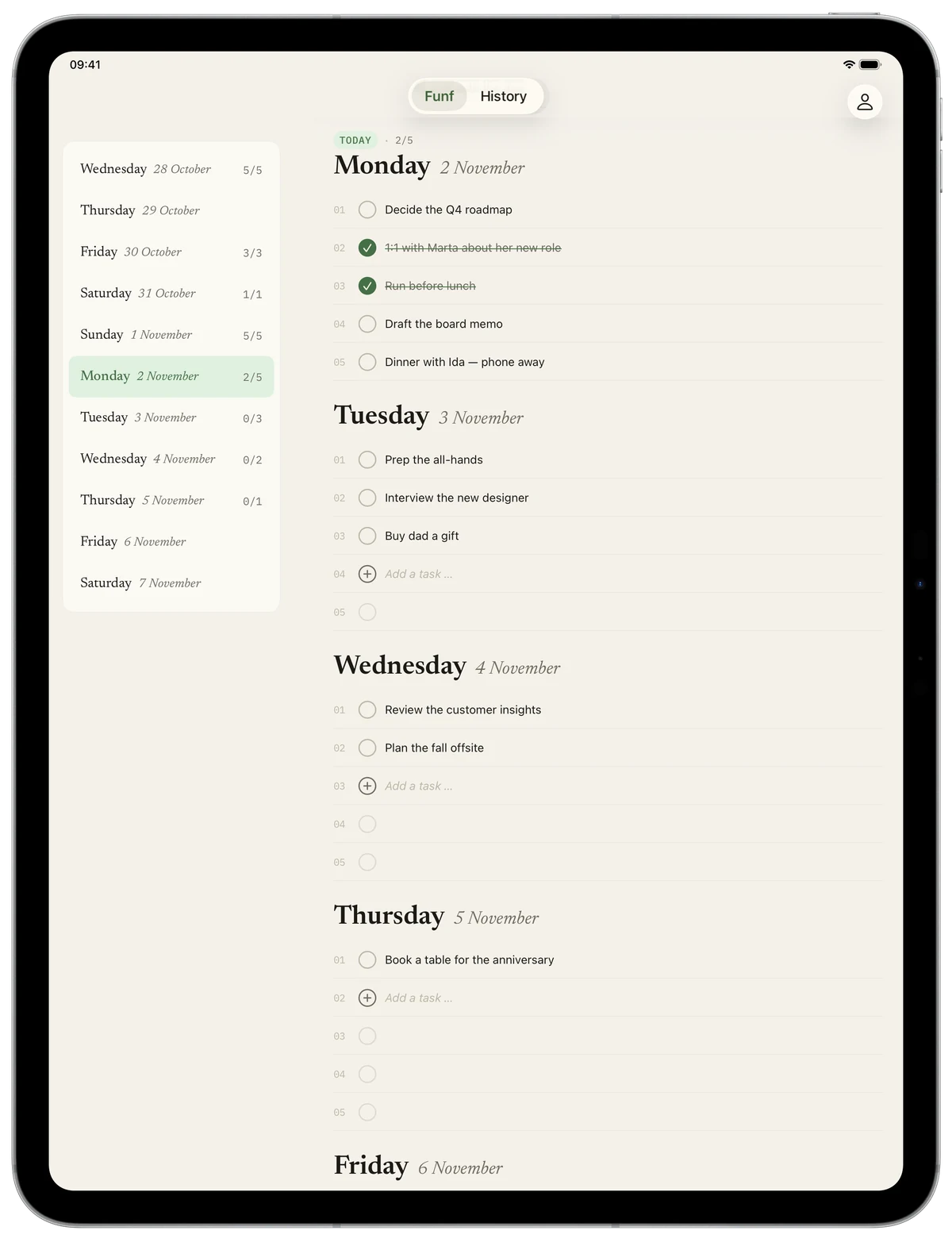
The days sit in a column of their own on the left, with your tasks beside them. Tap a day and the list scrolls there. Not a blown-up iPhone app, but Funf made for the big screen.
Tap, move, done.
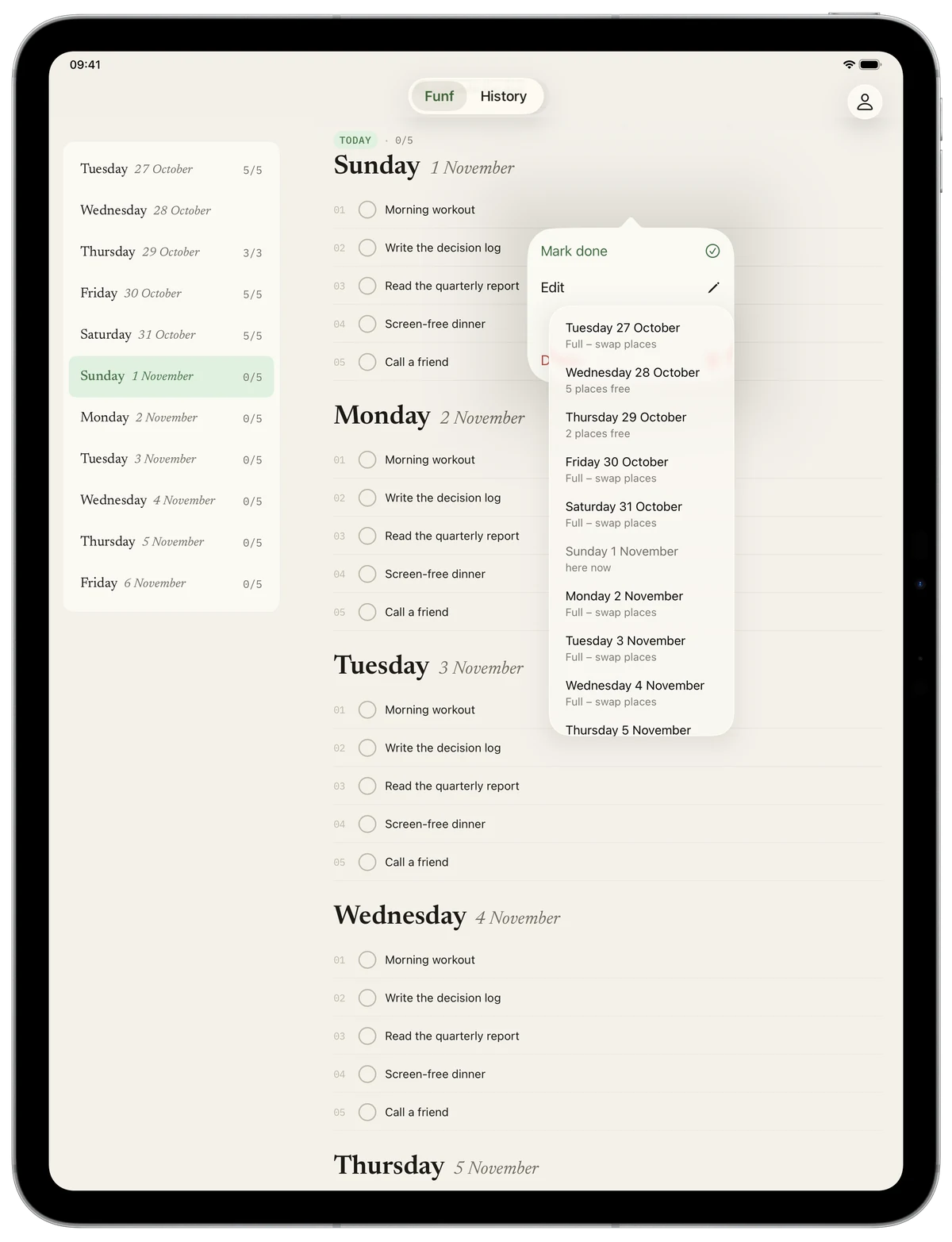
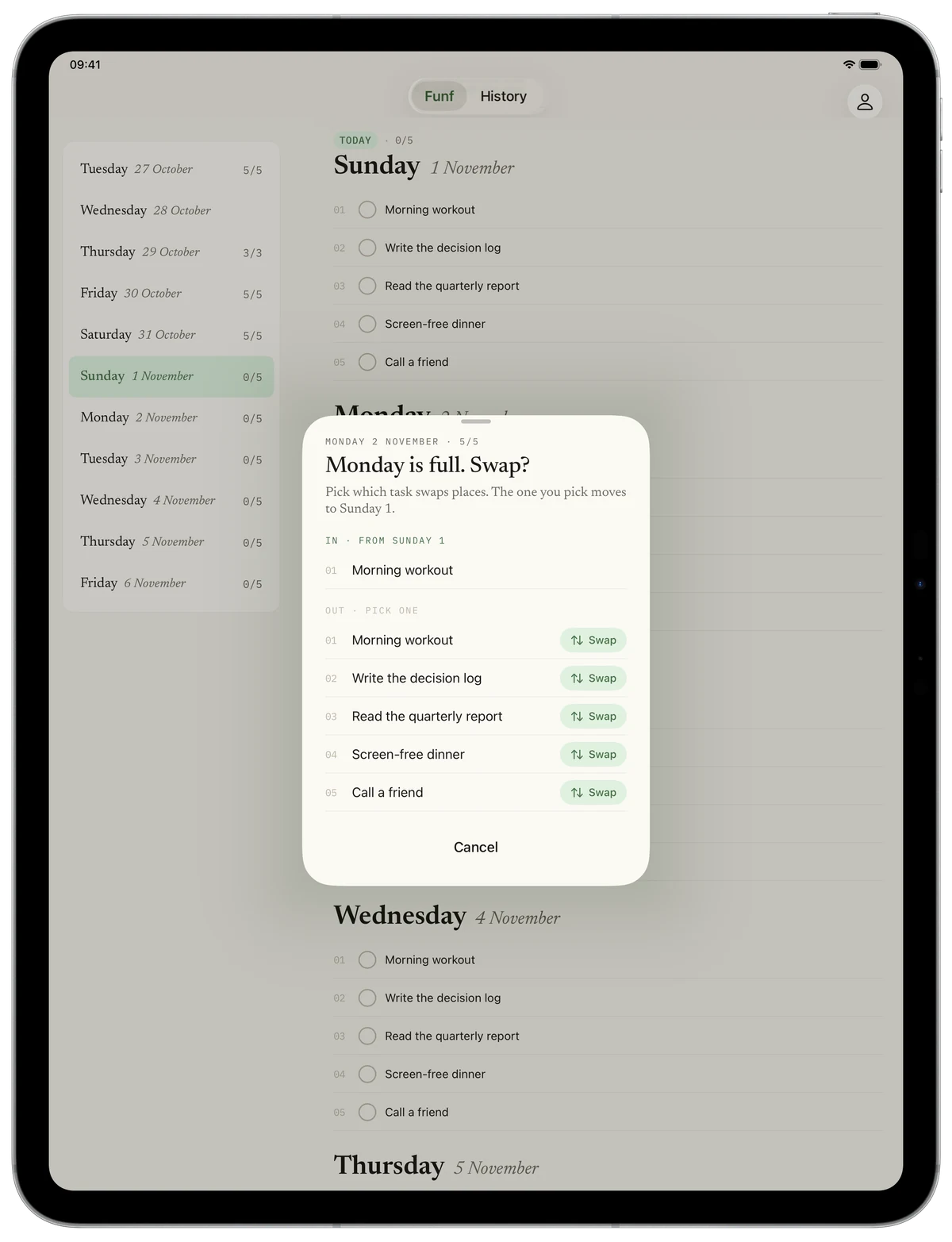
Tap a task and choose “Move to …”, and the days come up as a menu, with how many free places each one has. If the day is full, you pick what swaps places.
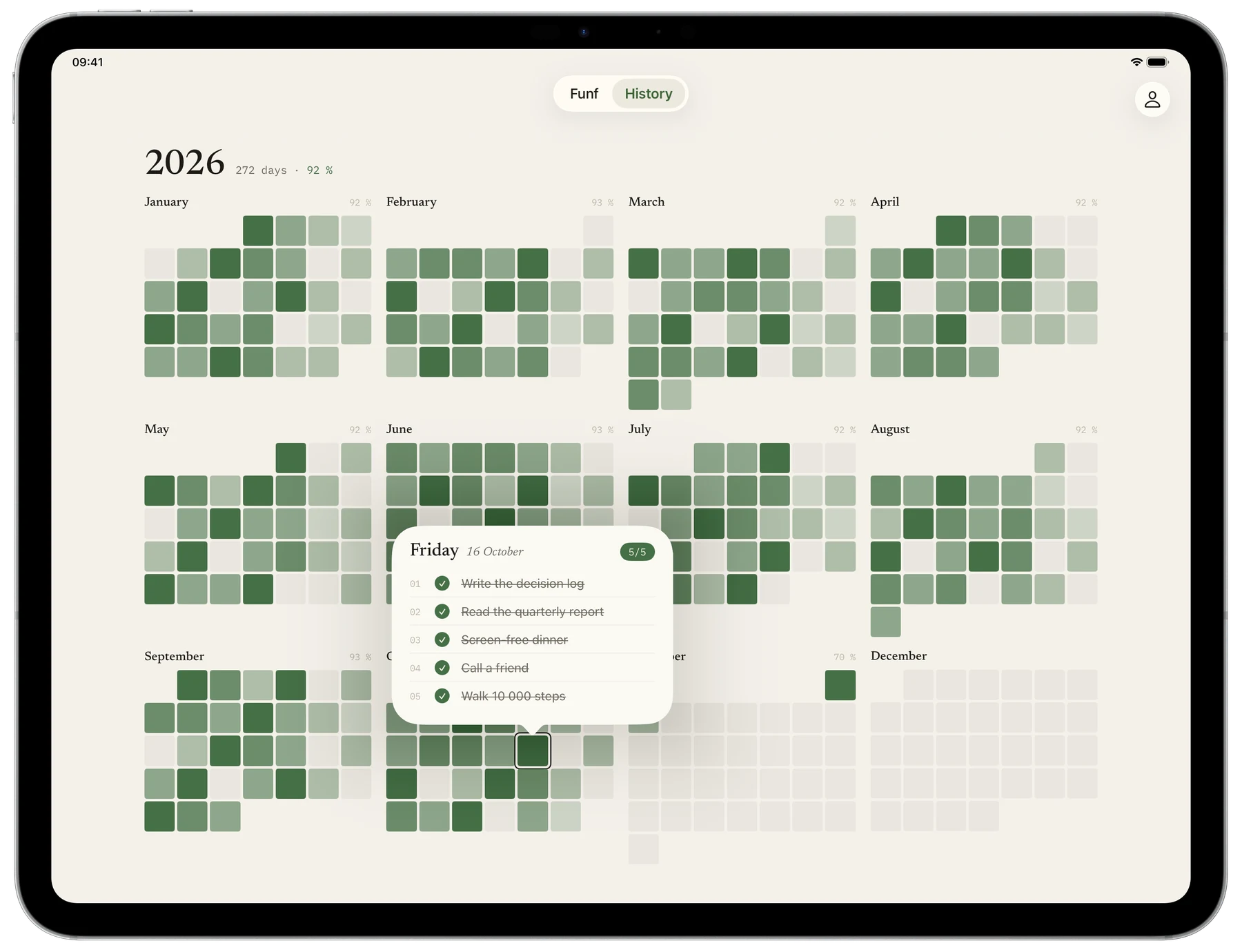
Your year in green.
Like on the Mac, the whole year fills the screen, twelve months in green. Tap a day to see what you got done. No points, no nagging.
Got a keyboard? Use it.
Connect a keyboard and the shortcuts you know from the Mac app just work. With a mouse or trackpad, a secondary click on a task opens everything you can do with it.
Settings, like on the Mac.
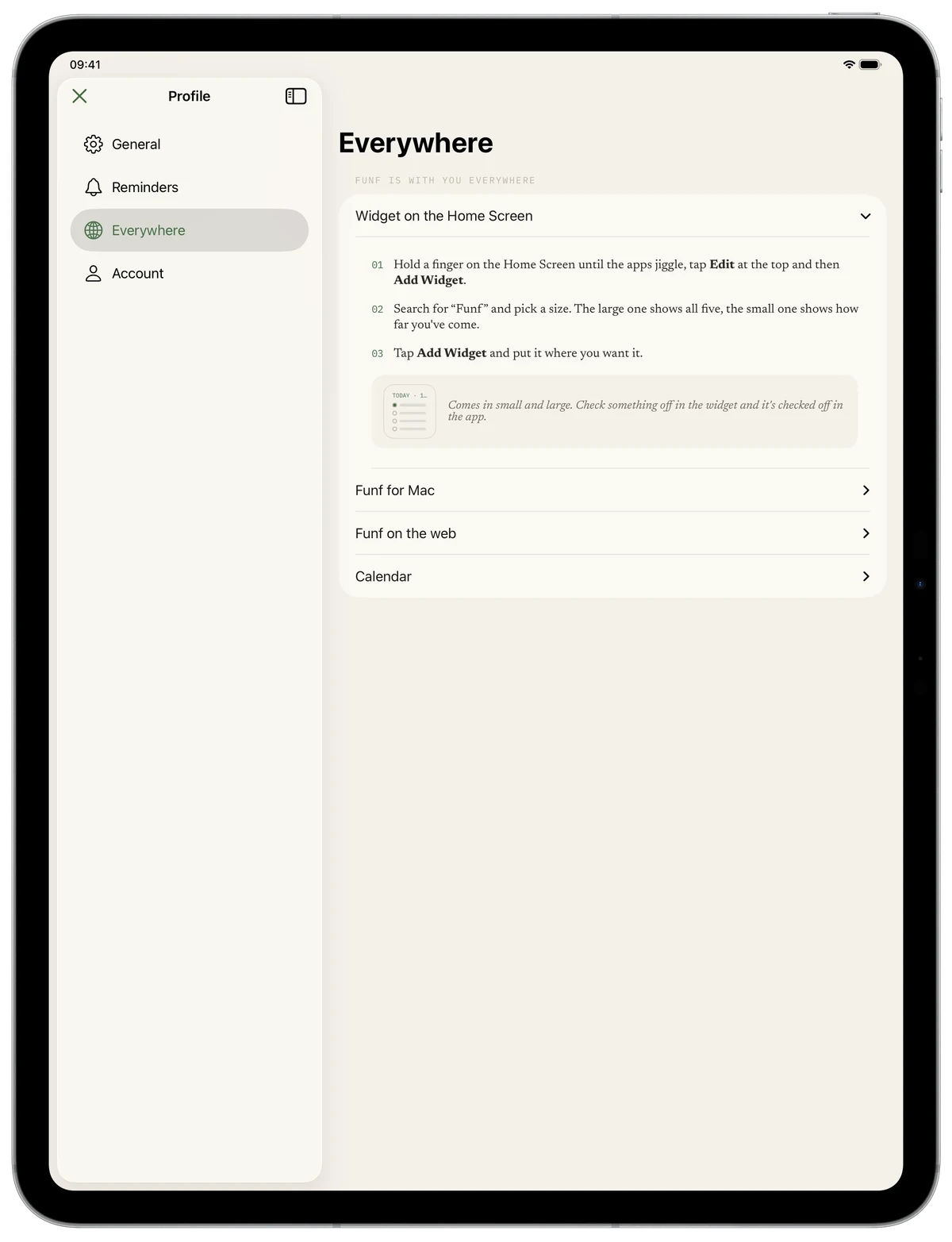
Profile opens full screen, with General, Reminders, Everywhere and Account in the sidebar, just like the settings in the Mac app. Under Everywhere, you connect the Mac app, the web and your calendar.